
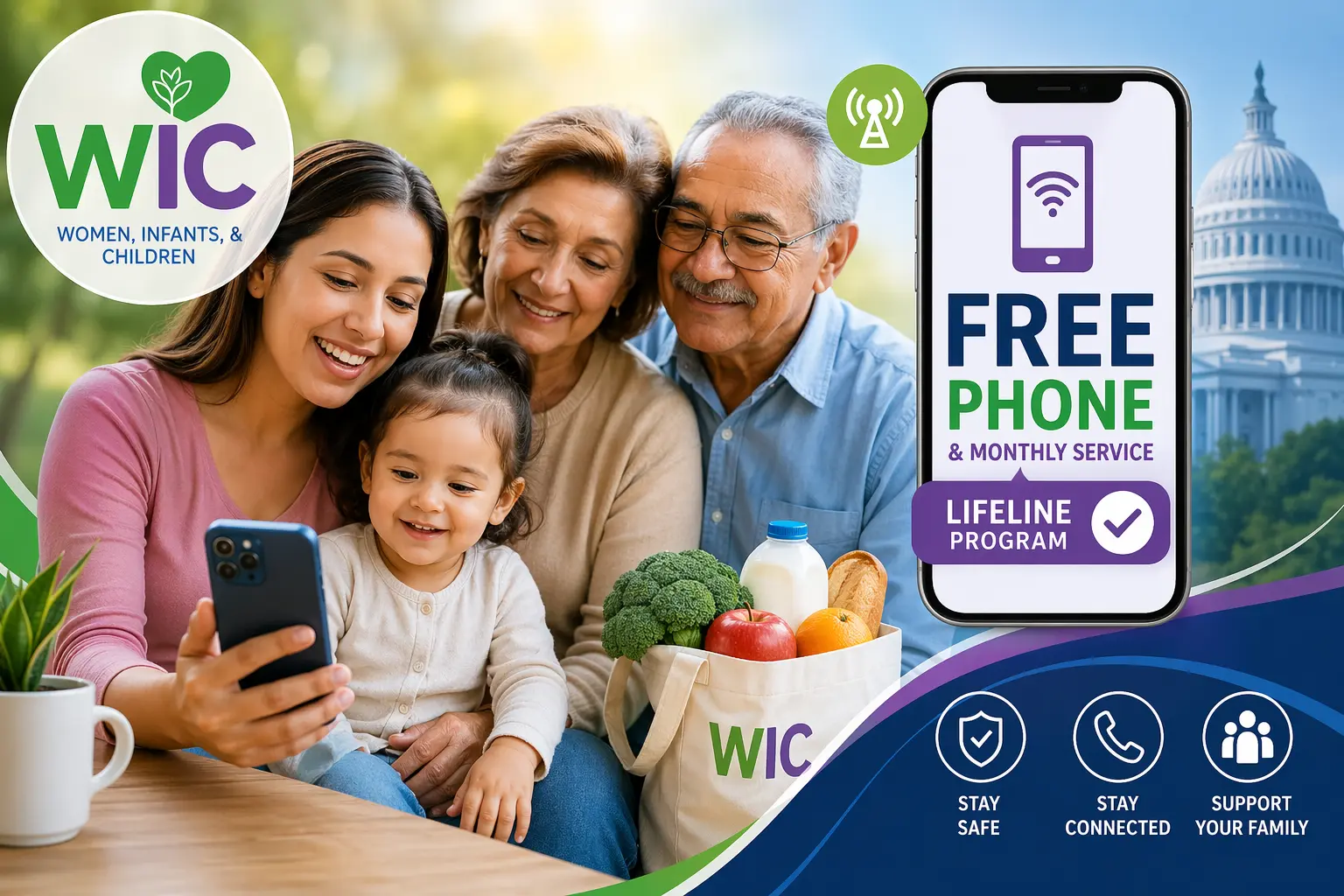
If you are a mom balancing a busy household or a grandpa and granny managing your life routine, then the phone could be a lifesaver for you. It’s how you check on your WIC benefits, talk to your child’s doctor, and stay tucked into the safety net of your community.
The good news? In 2026, being part of the WIC (Women, Infants, and Children) program is one of the best ways to qualify for a free smartphone and monthly service through the federal Lifeline program.
But I know the paperwork can feel like a mountain, and the tech talk can be confusing. Let’s sit down and break this down simply, so you can get the connection you deserve without the headache.
Why WIC and a phone go hand-in-hand
The WIC participants can fast-track for free phone services.
In most states, the rule is simple: if your income is 135% below the Federal Poverty Line, you qualify. But many WIC families earn a bit more than that and still need help.
- The California bonus: If you live in California, the state is even more generous, allowing families making up to 150% of the poverty level to get a phone.
- The Florida pathway: In Florida, providers like TAG Mobile treat WIC like a “Golden Ticket,” making it very easy to skip the complicated income math and get approved just by showing your WIC status.
The Safe Connections Act
One of the most important changes this year is a new law called the Safe Connections Act.
If you are a survivor of domestic violence or human trafficking, your phone should be a tool for safety, so no one can track you. If you have ever shared a phone plan with an abuser, then you might be at risk. The first thing you need to do is to ask your provider to move your line to a private account within two business days, which is free.
Best of all, WIC recipients in these tough situations can get an emergency six months of free service even if they make a little more money (up to 200% of the poverty line). It’s a fast track to safety and independence.
What should you look for while getting a phone?
You know the device wars are actually good for you! Companies are competing to give you better technology. Here is what you will likely see:
- The reliable workhorse: Many providers, like Assurance Wireless, offer the Samsung Galaxy A14 5G. It’s sturdy, easy to use, and very fast.
- The fancy choice: Companies like AirTalk or Cintex often offer refurbished iPhone 11s or 12s. These are great phones, but remember, they are used, so the battery might not last as long as a brand-new Samsung.
- The Always On feature: Some companies, like TAG Mobile, promise that even if you use up all your high-speed data, your phone will not stop working. It just slows down. You can still send a text, use a map, or call 911. Always ask for an Always On plan.
When choosing a provider, remember that Always On means that even if you use up your high-speed data (the fast internet used for videos), your phone will still allow you to use essential apps like Google Maps, WIC shopper apps, and messaging without being cut off.
Top Always On providers by region
| Provider | Best Known For | Typical Plan Features (2026) |
| TAG Mobile | The Always On Pioneer | Unlimited Talk/Text + 10GB High-Speed Data. Once the 10GB is gone, you stay connected at 256kbps (slow but functional). |
| Assurance Wireless | Best Coverage (T-Mobile) | 10GB to 12GB High-Speed Data. Known for providing the Samsung Galaxy A14 5G to WIC participants. |
| AirTalk Wireless | The iPhone Specialist | Offers refurbished iPhone 11/12. High-speed data is usually around 5GB–10GB. Excellent for those who prefer Apple. |
| Life Wireless | Telehealth Ready | Unlimited Talk/Text + Unlimited Data (throttled to 256kbps after your high-speed allotment). Very popular in the South and Midwest. |
| TruConnect | California & Texas Favorite | Offers a 12.5GB plan in select states with Always On safety data. Often provides free tablets for a small one-time co-pay. |
How to check your specific state?
Because these programs change according to location, I recommend using the official National Verifier tool to see exactly who is in your zip code.
- Visit: LifelineSupport.org
- Click on: Near Me Companies
- Enter your zip code: This will show you a list of every company licensed to give you a free phone in your neighborhood.
If you are worried about your phone breaking, Assurance Wireless and TAG Mobile currently have the highest ratings for network reliability. While AirTalk has the fancier iPhones, a brand-new Samsung from Assurance is often less likely to have battery issues or screen glitches.
A step-by-step guide on how to get a free phone with WIC
The process of getting a free phone has been streamlined into three main phases.
Step 1: Getting verified
Before a phone company can send you a device, the government needs to verify you are eligible. The fastest way is through the National Verifier.
- Go to LifelineSupport.org and click Apply Now.
- Fill in your basics: Name, date of birth, and the last 4 digits of your Social Security Number.
- Prove your WIC status: This is where you’ll upload a clear photo of your WIC award letter or a benefit statement dated within the last 12 months.
- Pro-Tip: Make sure the photo is bright, and all four corners of the paper are visible. If the computer can’t read your name or the date, it will trigger a manual review, which takes longer.
- Wait for the Approved screen: Most WIC recipients are approved instantly. Once you see that success message, write down your Application ID. You will need it for Step 2.
Step 2: Picking your provider & phone
Now that you have your approval, you get to choose who provides your service.
- Visit the website of your chosen provider (like TAG Mobile, Assurance, or AirTalk).
- Enter your Zip Code: This confirms they have towers in your area.
- Enter your Application ID: This links your government approval to the phone company so they can give you the service for $0.
- Choose your device:
- Select Free Phone if you want a new device (like the Samsung A14 5G).
- Select Bring Your Own Device (BYOD) if you want to keep your current phone but just get the free monthly service. They will mail you a free SIM card.
Step 3: Activation & The 30-Day Rule
Once your phone arrives in the mail (usually 3–7 business days), there is one final, critical step.
- Turn the phone on: Follow the instructions in the box to “Activate” the line.
- Make a call or send a text: The government requires you to use the service at least once every 30 days to keep it active.
- Safety Warning: If you don’t use the phone for a full month, they may assume you no longer need it and turn the service off. Just one quick hello call to a friend once a month keeps your Always On safety net active!
Special note for survivors (Safe Connections Act)
If you are using the Safe Connections Act to leave a shared plan with an abuser:
- Request line separation first: Contact your current carrier (like Verizon or T-Mobile) and tell them you are requesting a “Safe Connections Line Separation.” They must do this within 2 business days.
- Fast-Track: Use the documentation they give you to skip the standard income checks. Under this law, your WIC status qualifies you even if you earn up to 200% of the poverty line.
The get-ready phase
Keeping the items next to you before you click Apply will turn a 2-hour headache into a 10-minute breeze.
You can print this out or check them off on your notepad.
1. Proof of who you are (Identity)
The system needs to know you are you. You only need one of these, but it must be current:
- State ID or Driver’s License (This is the best one to use).
- U.S. Passport (If you have one).
- Birth Certificate (A great backup if you don’t have a photo ID).
- Social Security Number (You usually just need to know the last 4 digits).
2. Proof of your WIC status (Eligibility)
This is your “Golden Ticket.” The document must show your name and be dated within the last 12 months:
- WIC Award Letter (The letter that says you are approved).
- Verification of Certification (VOC) Card (Often given to you at the clinic).
- Recent WIC Benefit Statement (A printout or digital screenshot showing your current benefits).
- Note: Your plastic EBT/WIC card itself is usually not enough proof; you need the paperwork that came with it.
3. Proof of where you live (Address)
The phone company needs to know where to mail your new phone!
- Utility Bill (Electric, water, or gas bill from the last 60 days).
- Mortgage or Lease Statement (The first page of your rental agreement).
- Official Mail (Any letter from a government agency like the IRS or Social Security that shows your name and address).
4. Extra step: For survivors (Safe Connections Act)
If you are applying as a survivor to get that emergency 6-month benefit, you will need one of these Fast-Track documents:
- Line separation confirmation: A text, email, or letter from your current phone company (like Verizon or AT&T) confirming you asked to move your line.
- Signed statement: A letter from a social worker, a doctor, or a shelter director confirming your situation.
- Official record: A copy of a police report or a protective order.
Pro-Tips for success:
- The clear shot rule: If you are using your phone to take a picture of these documents, put the paper on a dark table in a bright room. If there is a glare or the edges are cut off, the computer might reject it.
- Match the names: Make sure the name on your WIC letter matches the name on your ID exactly. If you recently got married or changed your name, have your marriage license handy just in case.
Scripted help
This is a critical conversation to have. Under the Safe Connections Act (SCA), phone companies are now legally required to help you. They cannot charge you a breakup fee, and they cannot force you to stay on a plan with someone who is hurting you.
Here is a simple script you can use. You can read it over the phone, send it in an email, or show it to someone in a store.
Step 1: Contact the Dedicated Support Team
Don’t just call the regular billing line. Ask for the Safe Connections Act Specialist or the Domestic Violence Support Team. All major companies (Verizon, AT&T, T-Mobile, etc.) now have a group specifically trained to handle this with privacy.
Step 2: What to say (The Script)
“Hello, I am calling to request a Line Separation under the Safe Connections Act (47 U.S.C. 345). I need to move my phone number [Insert Your Number] and the lines for [Number of Children/Others in Care] off of the shared account and onto a new, private account.
I have the necessary documentation (like a WIC statement and a police report/signed affidavit) ready to provide. Please let me know the most secure way to send these to you so this can be completed within the two-business-day legal window.
Also, please confirm that no early termination fees will be charged to me and that the primary account holder will not be notified until the separation is complete.”
Important Things to Remember:
- The 2-Day clock: Once you give them your paperwork, the law says they have 2 business days to move your line. If they say it will take a week, gently remind them that the Safe Connections Act requires a 48-hour turnaround.
- The abuser isn’t notified early: The company is supposed to wait until the move is done before the other person on the account sees a change. This is for your safety.
- Financial independence: You are responsible for the bills on the new account moving forward, but you are not responsible for the old unpaid balance or the “device payments” on the abuser’s phone.
- Use your WIC status: Once the line is separated, tell the company: “I am also a WIC participant and would like to apply for the emergency 6-month Lifeline benefit.” This will drop your bill by about $9.25 or even make it $0, depending on the plan.
What if they say No?
If the customer service person seems confused, ask for a Supervisor or the Legal Compliance Department. Mention the “FCC Safe Connections Rules.” That usually gets things moving quickly.
A fair warning:
These programs are so popular that bad actors are trying to trick honest people. Please keep these safety tips in your purse:
The EBT skimming trick
Scammers post on Facebook pretending to be WIC workers, worried about your security. They give you a fake phone number to call. When you call, they ask for your WIC Card Number and PIN. > Important: A real WIC worker or phone provider will NEVER ask for your PIN. If they ask for it, hang up immediately.
The Digital Arrest scare
This is a scary one. Using “AI” (computer-generated voices), scammers might call you pretending to be the police or a WIC official. They might say you committed “benefit fraud” and will be arrested unless you pay them in gift cards or Bitcoin.
- The Truth: Real government agencies send letters. They don’t call you out of the blue demanding gift cards. It’s a lie, take a deep breath and block the number.
Tips to avoid headaches
We’ve all been there: sitting on hold for three hours only to get disconnected. Here is how to keep your sanity:
- The senior mistake: If you aren’t used to smartphones, it’s easy to accidentally leave a video running or an app open, which uses up your data. When you are at home, always turn on your Wi-Fi. It saves your free data for when you are out at the store or the doctor.
- Keep your records: When you apply, take a photo of your application ID number. If you have to call customer service, having that number ready can save you an hour of explaining.
- Pick reliability over flash: A shiny iPhone is nice, but if that company has a bad reputation for dropped calls in your neighborhood, go with the one with the best signal.
Looking Toward the Future
The way we get benefits is changing. Soon, many states will move to a Universal Benefit Card that puts your food, milk, and phone service in one digital spot. We are also moving toward eSIMs, which means you won’t have to wait for a piece of plastic in the mail; your phone could be activated the same day you’re approved.
My Final Thought for You
Your WIC benefits are there to keep your family healthy, and your free phone is there to keep your family connected. It only takes ten minutes to apply.
If you get stuck, ask a librarian or a local WIC office for help. You are doing the hard work of taking care of your family; let the government help take care of the phone bill.