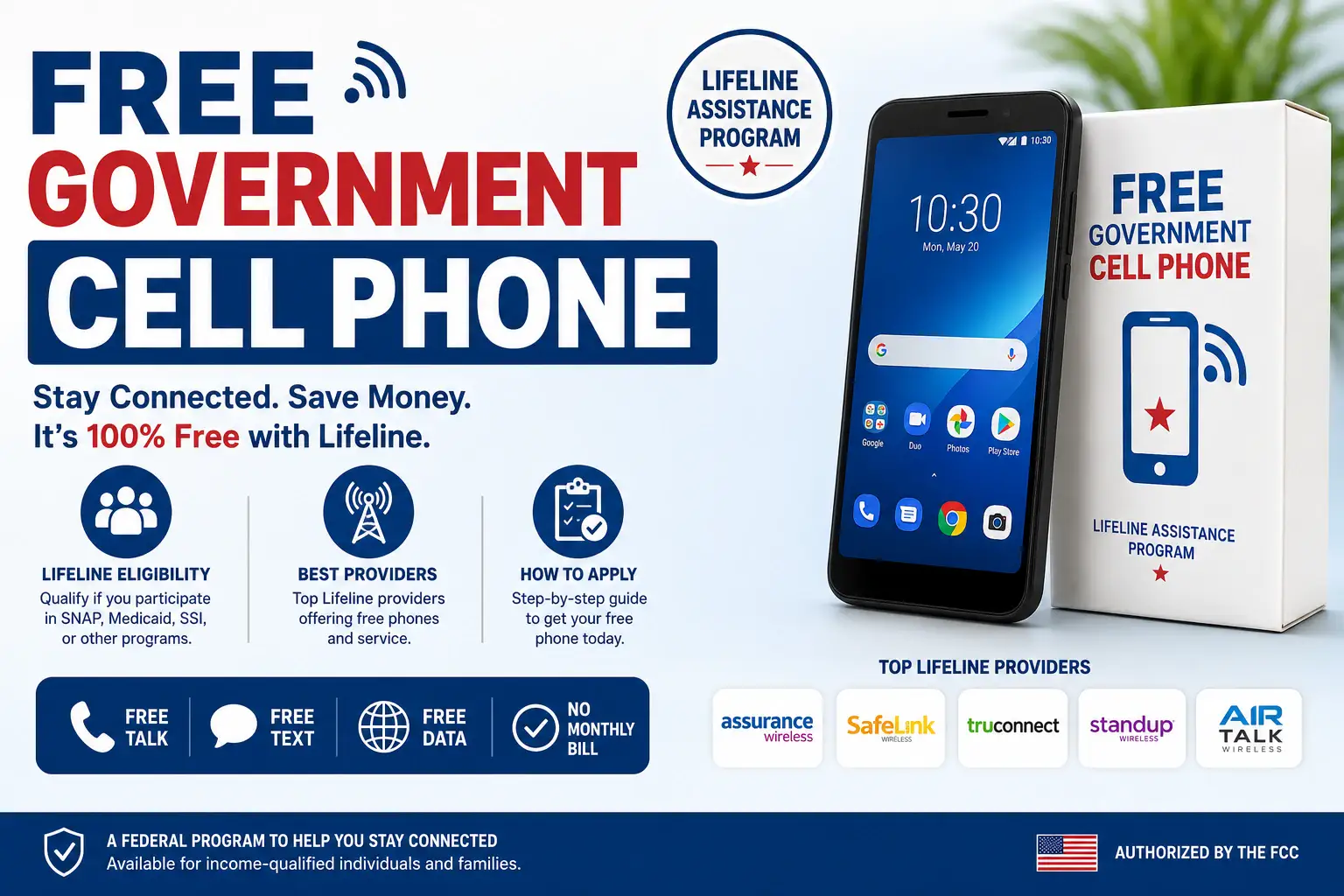

A free government phone helps you stay connected without a costly phone bill. And Assurance Wireless is one of the providers that help people to qualify for Lifeline and get that free phone with talk, text and data. However, you can get a completely free phone under Lifeline and there are also low cost options in case you don’t qualify.
Many people have questions before they apply. They want to know if they qualify, what benefits they can get, how much data is included and what phone choices are available. Current users may also need help with their account, a lost phone, a replacement phone or customer support.
We reached Esther Alexis who is a customer service representative at Aussurance Wireless with all of these questions. We asked about free and low-cost options and which ones are best. So this guide explains real responses from an employee of AW.
We will cover free phones, low-cost phones, data plans, the application process, account help and customer support. This will help you understand your options and choose the right phone service for you.
Who Is Eligible for an Assurance Wireless Free Phone?
You can qualify using your yearly total income or through assistance programs
- Income-Based
You can qualify if your total household earnings are low enough. The Federal rules set the limit at 135% of the poverty line. A household means all people living together who share their bills and income.
-
- 1 Person: Under $21,546 per year
- 2 People: Under $29,214 per year
- 3 People: Under $36,882 per year
- 4 People: Under $44,550 per year
For each extra person in your home add $7,668. You must show proof of pay with recent tax documents or pay receipts.
- Government Assistance Program
You can also qualify if you get help from the government. If you use one of these helpful programs then you will pass the test:
- SNAP (Food Stamps for groceries)
- Medicaid (Free or low-cost healthcare)
- SSI (Special cash help for disabled or elderly people)
- Section 8 (Public housing aid)
- Veterans Pension (Special aid for military heroes)
People living on qualifying Tribal lands get extra options like Tribal Head Start. You simply upload a clear photo of your official benefit card or approval letter. Apart from this, Lifeline is also a way to get a free phone from Assurance Wireless. You can easily check your Lifeline eligibility here.
What are the Benefits of Lifeline Program for you?
- Free monthly phone service
- Unlimited talk
- Unlimited text messages
- Free high-speed data
- $0 monthly cost for eligible customers
- No activation fees
- No long-term contracts
- Free or low-cost phone options
- Bring your own compatible phone option
Can Two People Living At The Same Address Both Get Assurance Wireless?
The Federal rules allow only one free Lifeline account per household. Unrelated roommates or shelter residents sharing an address can each get their own phone. Both applicants must fill out a simple Household Worksheet to prove they do not share money.
Will Unemployment Benefits Qualify Me For Assurance Wireless?
Yes, Esther mentioned that an official unemployment benefit letter can help you prove your income level. Your total income must still fall at or below 135% of the Federal Poverty Guidelines to qualify this way. If your unemployment payout is too high to qualify by income then you can still get approval if you participate in SNAP, Medicaid or another qualifying program.
Assurance Wireless Offering Free Phones in 2026
Assurance Wireless offers free Lifeline service with different plans based on your location. Here are the free phones that Assurance Wireless offer in 2026 along with free data plans.
| Lifeline Plan | Phone Options | Key Features | Data Plan Included | Best For |
| Lifeline Plan | Basic Android Phones (Moxee m2160, TCL REVVL Series) | Touchscreen display, Android system, front and rear cameras, storage space and battery for daily use | Unlimited talk, unlimited text, and 10GB high speed data. You can use your own phone or buy a low cost phone. | People who need a low cost phone plan for calls, texts, web use and daily needs. |
| California LifeLine | Free Basic Smartphones (Android phones from Assurance Wireless) | Touchscreen display, Android apps, camera, internet access and other simple phone features | Unlimited talk, unlimited text and 12GB high speed data. You can use your own phone or get a free basic smartphone. | California users who need a free phone with monthly Lifeline service. |
| Tribal Lands Lifeline | Basic Android Phones (Moxee m2160, TCL REVVL Series) | Android system, touchscreen display, cameras, storage and features for everyday use | Unlimited talk, unlimited text and 12GB high speed data. You can use your own phone or buy a low cost phone. | People on Tribal lands who need extra Lifeline support and phone service. |
Can You Switch to Assurance Wireless?
You can switch to Assurance Wireless if you meet the Lifeline rules. First make sure you qualify for the program. Then apply through Assurance Wireless and wait for your service to start. Before you switch, check your current plan and know what changes may happen.
Are there any hidden monthly fees or contracts?
No, there are no hidden fees or contracts. The federal government fully pays for your Lifeline phone plan. You will never receive a monthly bill, and you do not need a credit check to join. Your service is 100% free every single month. You will pay money only if you manually choose to buy extra data.
Low Cost Phones and Plans
Assurance Wireless offers low cost phones for customers who qualify for the Lifeline program. These phones can be bought after approval and can be used with Assurance Wireless service.
| Phone | Price | Key Features | Data Plan | Best For |
| FOXXD A55 4G LTE | $39.99 + taxes and shipping | 5.5-inch display, Android Go OS, 16GB storage, 2GB RAM, 2000mAh battery | Includes Lifeline service with free monthly talk, text and data. Data amount depends on your state plan. | Users who need a simple phone for calls, texts and basic apps. |
| Artia SP555 | $31.99 + taxes and shipping | 5.45-inch display, Android Go OS, 16GB storage, 2GB RAM, 2300mAh battery | Works with Assurance Wireless Lifeline benefits, including monthly data, calls and texts based on availability. | Budget users who want an affordable smartphone for daily tasks. |
| iPhone SE | $129.99 + taxes and shipping | 4.7-inch display, iOS, 64GB storage, A13 Bionic chip | Eligible customers can use their Lifeline data plan with this device. Data limits depend on the state plan. | Users who prefer Apple features and the iPhone experience. |
| Samsung Galaxy A15 5G | $99.00 + taxes and shipping | 6.5-inch display, Android 14, 64GB storage, 4GB RAM, 5000mAh battery | Supports Assurance Wireless Lifeline service with monthly data, talk and text benefits where available. | Users who want a larger screen, longer battery life and 5G support. |
| REVVL 6x Pro 5G | $90.00 + taxes and shipping | 6.8-inch display, Android 13, 128GB storage, 6GB RAM, 5000mAh battery | Compatible with Assurance Wireless plans that include free monthly data, calls and texts for eligible users. | Users who need more storage and better performance for apps and browsing. |
What exact phone model will Assurance Wireless send me?
Assurance Wireless sends basic entry-level Android smartphones. Common models include budget phones from brands like Schok, Orbic or ANS. You cannot pick your exact phone model in advance. The exact phone you receive depends entirely on what devices are in stock at the warehouse when your application gets approved.
How to Keep Your Lifeline Benefits Active
To keep your free Assurance Wireless service is simple. However, you must follow two government rules to avoid losing your phone plan. First, you must complete your annual recertification every 12 months.
This confirms that you still qualify based on your income or the program you use. Second, you must use your phone at least once in every 30 days. You can make a call, send text or use it for mobile data. If you do not complete your recertification within 60 days or do not use your phone for 30 straight days then your free service will end. You will lose your free monthly data and minutes. To get your service back you must apply again.
How can I recertify every year to keep my service active?
You will get a text or a letter when it is time to renew your Lifeline benefit. Many people do not need to do anything. The state checks their details. If you need to renew your benefit then upload your documents before the due date. If you miss the deadline you may lose your free service.
How do I transfer my Lifeline benefit from another provider?
Open the Assurance Wireless website and then choose Transfer My Lifeline Benefit. Enter your account number and PIN from your current provider. The transfer often takes about 24 hours. In most cases you can keep your phone number in it.
How to Apply for Assurance Wireless Free Phone in 2026?
Applying for an Assurance Wireless free phone is quick and easy.
- Gather Documents: Keep your documents ready before you apply. Clear copies can help make the process faster and it avoids delays. Here are the proofs you may need to submit:
-
- Identity: ID card, passport, driving license or state ID.
- Address:Water bill, electric bill, internet bill or lease paper.
- Benefit: SNAP letter, Medicaid card or SSI letter.
- Income: Tax return, pay slips or income record.
- Check Your Local ZIP Code: Go to the official Assurance Wireless website and enter your local ZIP code. This verifies that T-Mobile network towers cover your neighborhood.
- Fill Out the Online Application: Enter your legal name, home address, birthday and Social Security number. Pick your qualifying option (government program or household income).
- Upload Your Proof Documents: Take clear, readable photos of your ID and your benefit letter or pay slips.Then upload them into the National Verifier system during setup.
- Get Your Free Phone Package: Once approved Assurance Wireless packs your free Android smartphone and SIM card. They ship it directly to your home via USPS mail.
How long does approval and delivery take after the submission?
Your application may be approved in a few minutes.Some reviews can take up to three days. After approval Assurance Wireless will send your phone and SIM card by USPS. Most of the orders arrive within 7 to 10 business days. You can track your package on the Assurance Wireless website with your application ID.
How to Check Your Application Status
Checking your application status is easy. Go to the official Assurance Wireless website and open the Check Status page. Enter your application ID or you can provide your last name, date of birth and the last four digits of your Social Security number. You will then see if your application is approved, still under review or if more documents are needed. Once your application is approved you can also track your phone delivery with the shipping details provided.
Assurance Wireless Customer Service & Support
You can call Assurance Wireless Customer Care at 1-888-321-5880. If you have an Assurance Wireless phone . It helps you to dial 611 for free. Customer Care is available Monday through Sunday from 7:00 a.m. to 7:00 p.m. Central Time. If you need help try to call during these hours for the fastest response.
Ways to Contact a Live Representative
The fastest way to speak with a live representative is to call 1-888-321-5880 or dial 611 from your Assurance Wireless phone. Follow the menu and choose Technical Support to talk to a live agent. If it does not work then try pressing 0 to talk with a representative. Call early in the morning when phone lines are less busy.
Conclusion
Assurance Wireless makes it easier for eligible users to stay connected with Lifeline phone service. If you qualify you may get free talk, text and data along with a free smartphone or a low cost phone option. You can manage your account or replace your device. You can get help from customer support when needed.
Before you apply. check your state’s available plan and keep your documents ready. A little preparation helps you complete the process fast. Once approved then you can use your Assurance Wireless service to stay connected with family, work, school and health care.
FAQs
Can I keep my current phone number?
Yes, you can keep your phone number. You can ask for a number transfer during the application process. Your old provider must allow the transfer.
Does Assurance Wireless offer 5G phones?
The phone model depends on your state and current stock. A 5G device is not guaranteed.
What should I do if my SIM card stops working?
If your SIM card stops working then contact Assurance Wireless support. They can help you fix the problem or send a new SIM card if needed.