
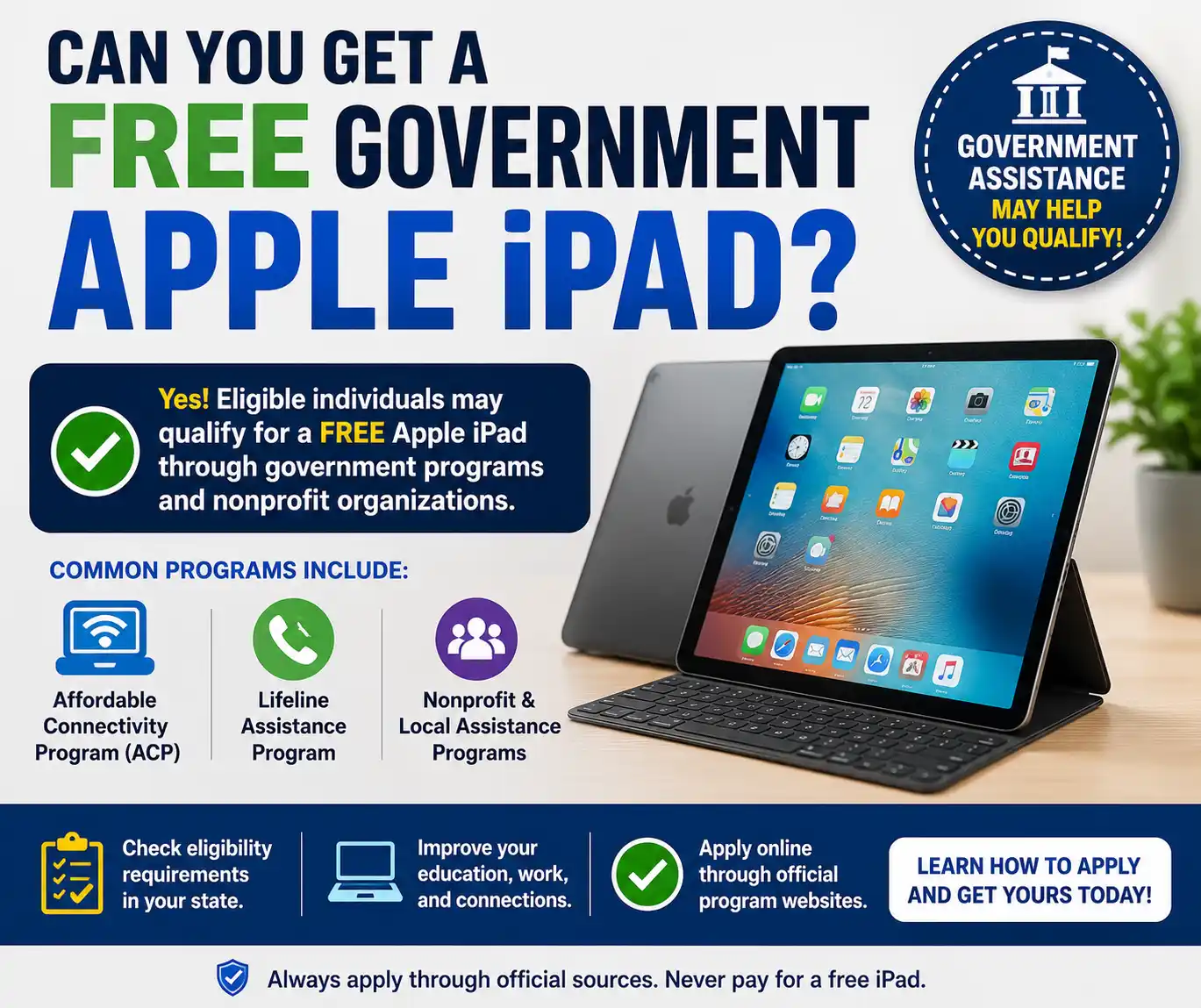
Yes, you can get a free government Apple iPad but not directly from the US government. It comes to you indirectly via assistance programs, non profit donation or career promotions. These are all legitimate ways to get an iPad at no cost or very low cost but each method has conditions like eligibility, limited stock or hidden service commitments.
So in this guide of Free Phone Wireless, we will cover ways to get free iPad and conditions along with them. You will also learn about some free cool games that you can play and note taking apps to download. Plus, we will also tell you about the creation of those apparently free iPads.
Our team has dug into pages and reviewed what people are actually sharing about these iPads before compiling this guide. So stick by to seize opportunity before it slips.
4 Ways to Get Free iPad
Here are the four ways to get Apple tablets. These include all from the government (lifeline) to NPOs and carrier deals.
- Lifeline Program
The Lifeline program does NOT directly give iPads. But FCC-approved providers may offer discounted or refurbished tablets depending on stock and state availability. Here are some providers that may offer iPads in 2026:
| Provider | Device Type | Cost Range | Eligibility | Key Reality |
| AirTalk Wireless | Refurbished iPads (iPad Air 2 +Mini + older models) | $0–$50 co-pay | SNAP+ Medicaid+ SSI, low income (less than 135% FPL) | iPads are limited and stock based |
| Cintex Wireless | Older Apple iPads (iPad 3/4 in some cases) | Usually $0–$50 | Lifeline approved applicants | Availability changes frequently |
| TAG Mobile | Occasional iPad offers (iPad 6 or similar) | $10–$30 | Lifeline + income eligibility | Mostly Android tablets +iPads rare |
| StandUp Wireless | Mostly Android tablets | Usually free tablet | Lifeline eligibility | iPads are rarely offered |
| Assurance Wireless | Basic Android devices | Free/low-cost | SNAP/Medicaid eligible | Focuses on phones not iPads |
Can I Get a Free iPad with SNAP or Medicaid?
Yes, you may qualify for a free or low-cost tablet through the Lifeline Program. Most providers offer Android tablets while iPads are only available through limited promotions and depend on stock. Some providers also require a small one time co-pay for the device.
Are Lifeline iPads Worth It?
Yes, they can be a good option if you qualify and need an affordable device for everyday use.
Pros:
- Free or low-cost device
- Suitable for school, browsing, video calls and streaming
Cons:
- Often refurbished or older models
- Battery life may be shorter than a new device
- Limited availability and model selection
- Nonprofit Organizations
These organizations are the only real way to get completely free iPads but availability depends on donations and eligibility. Plus, they also have eligibility criteria that you need to meet. Look at the table below to find list of NPOs offering free iPads:
| Organization | Cost | Eligibility | Device Type | Reality |
| PCs for People | $10–$150 | SNAP + Medicaid, low-income | Laptops, sometimes tablets | iPads are rare but possible |
| Computers with Causes | Free (case-by-case) | Veterans, hardship cases | Tablets/Laptops | iPads only via donation |
| Compudopt | Free (lottery system) | K–12 students without devices | Tablets + laptops | iPads depend on supply |
| iFoster | Free | Foster youth (13–26) | Laptops/tablets | Education-focused devices |
| Human-I-T | $50–$180 | Low income / disabilities | Refurbished tablets | iPads occasionally available |
- Special Needs & Education Programs
These non profit organizations offer opportunities to people with special needs to get tablets. Here are some programs and NPOs that offer it:
| Program | Who Qualifies | Cost | Device Type | Purpose |
| Autism Spectrum Disorder Foundation | Children with autism | Free | iPad (educational use) | Learning + communication support |
| Oracle Health Foundation | Children with medical needs | Free grant | iPad / tablet | Medical + developmental support |
| Daniela’s Wish | Children facing hardship | Free | iPad (wish-based) | Emotional/medical support |
| Vision impairment nonprofits | Visually impaired students | Free | iPad Pro sometimes | Accessibility tools |
- Carrier Deals
The carrier free iPad deals are marketing bundles not government programs. They require contracts and paid plans for a specific time period so research well before getting into this. Here are carriers like Verixone, T mobile and AT& T that running deals in 2026:
| Carrier | Deal Type | Upfront Cost | Monthly Requirement | Contract Length | True Cost Reality |
| Verizon | “iPad on Us” with phone bundle | $0 upfront (promo) | $70–$90 phone plan + $10–$25 tablet line | 36 months | ~$700–$1,200 total service cost |
| T-Mobile | iPad discount / bill credit bundles | $0–$99 upfront | ~$20 tablet line + unlimited phone plan | 24 months | Device cost recovered via credits |
| AT&T | iPad $0.99/month offers | $0.99/month | ~$20 tablet line + unlimited plan | 36 months | ~$700+ total cost |
| Apple Store Financing (carrier-linked) | Installment plans | Varies | Depends on carrier plan | 12–36 months | Paid over time, not free |
Is T-Mobile’s iPad “On Us” Really Free?
Not completely. The iPad is covered through 24 monthly bill credits. So you do not pay the full device price if you keep the service for the required term. However, you still need to pay the sales tax and one time device connection fee.
Why Do Ads Say “Free iPad” but I Still Get Charged?
Many advertisements use free words to mean there is no upfront cost for the device. However, you may still have to pay monthly service fees, taxes or activation charges. In some cases (carrier deals) the offer also requires a service agreement that lasts between 24 and 36 months.
How Much Does a Verizon iPad Really Cost Per Month in 2026?
Verizon advertises iPad offers as free or $0 upfront. But this does not mean the device is completely free. The actual cost depends on required service plans and contract terms. Most Verizon iPad promotions include two main charges:
- Tablet data line (required for cellular iPads)
- Device installment plan covered by monthly bill credits
So here is much it generally costs:
- Tablet data line: $10 to $25 per month
- iPad device installment: approximately $15 to $25 per month
- Promotional bill credits: usually offset the device installment over time
So In most cases the real monthly cost for an iPad on Verizon is:
- Around $10 to $25 per month for the tablet line only
- Higher if combined with a phone plan requirement (often $70 to $90 per month for unlimited plans)
Is the T-Mobile iPad Deal Better Than Verizon in 2026?
T-Mobile and Verizon both offer iPad promotions in 2026. Neither provides a completely free iPad without conditions. But T-Mobile is generally more flexible in terms of pricing and contract length. Here is quick comparison of cost of Verizon and T mobile:
| Feature | Verizon | T-Mobile |
| Upfront cost | Often $0 with promo | $0 to $99 depending on offer |
| Tablet line cost | $10 to $25 per month | Around $20 per month |
| Contract length | Usually 36 months | Usually 24 months |
| Discount type | Monthly bill credits | Mix of upfront discount and bill credits |
| Plan requirement | High-tier unlimited phone plan often required | More flexible plan options |
T-Mobile is usually better for users who want lower commitment and simpler pricing. However, Verizon may offer larger promotional bundles with stricter requirements and longer contract periods.
Conclusion
There is no official government program that directly provides a free Apple iPad.But Lifeline supported providers, nonprofit organizations, or carrier promotions do. Lifeline programs offer discounted or refurbished tablets but iPads are not guaranteed.
Carrier deals from Verizon and T-Mobile offer iPads on installment plans and long-term service contracts. Nonprofits may sometimes provide free devices but only for eligible groups and based on donations.
FAQs
Are there any cool free iPad games?
Yes, Roblox, Call of Duty Mobile, Clash Royale and Among Us are free iPad games to play in 2026.
How to free up space on an iPad?
Delete unused apps and offload large files like photos and videos to iCloud or external storage. Also clear Safari cache and remove old downloads to quickly free up space.
What are free note-taking apps for iPad?
The Apple Notes (best built-in), Microsoft OneNote, Notion and Google Keep are free note taking tablets.
Can you list free drawing apps for Apple tablets?
You can use Autodesk SketchBook, ibis Paint X, MediBang Paint and Krita to draw on iPads.